We have started to tinker with the arduino, it was a time ago since we last used it and comes in handy to repeat the knowledge. I’m not to keen on coding so I started from the beginning with the built in blink example in the arduino library and slowly enhanced the LED to represent an elevator as mentioned in my previous post.
The sketch loops all the time but in this video it can be seen how it should work. There is no input so we have to imagine that some one is pressing an elevator button and the LED reacts to it.
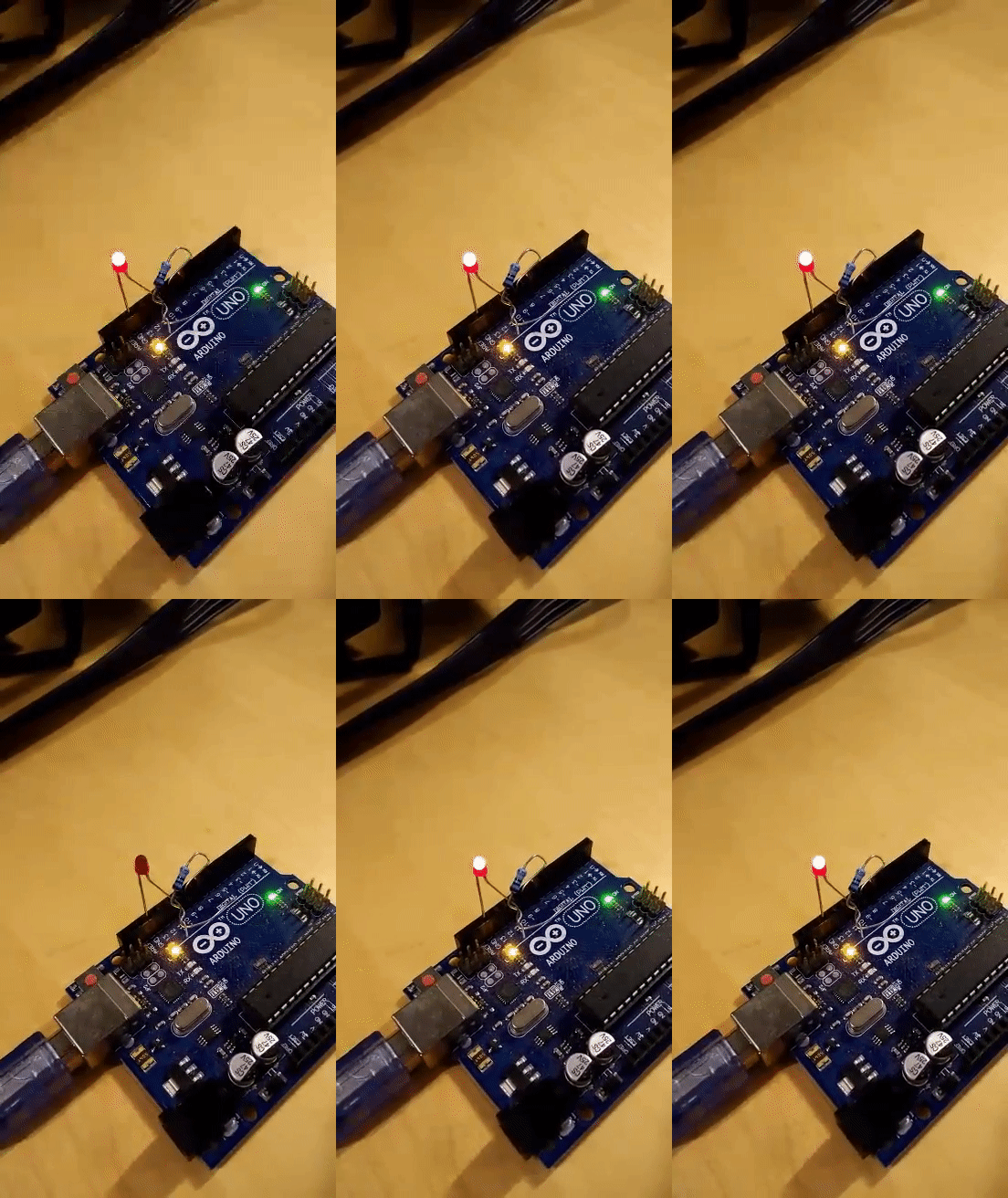
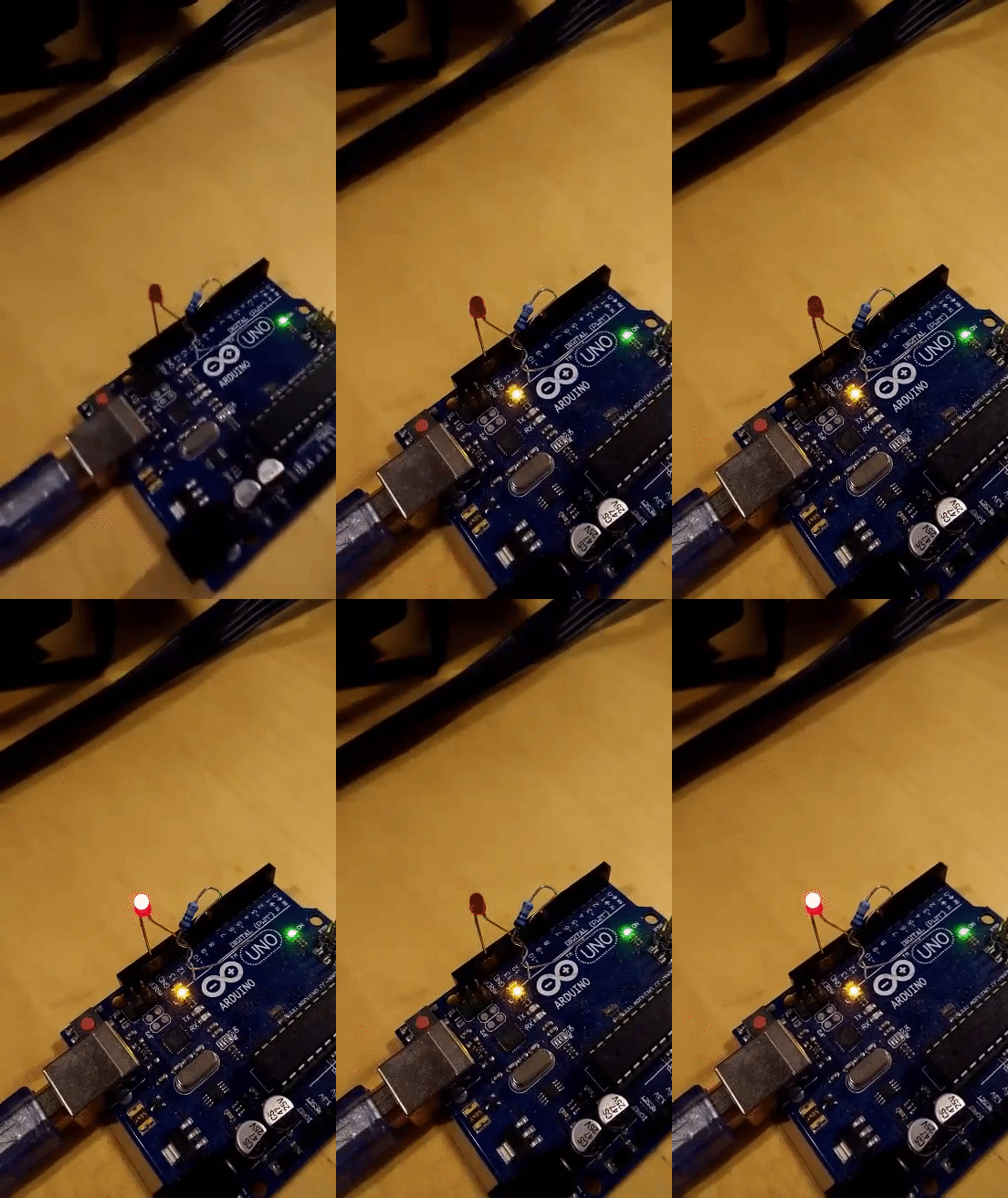
So these 2 sketches should represent the informative light when the elevator is being called upon and when the elevator is going up to the desired floor. I see the blinking of the led as way to to represent the urgency and motion of the elevator. The rapid blinking seems natural as a way to convey that something is about to happen real soon. Like the elevator doing it’s action.
I’m definitely interested in exploring led as source to communicate information, but I haven’t really thought about the what kind of input to apply. Maybe when I figure out the context it will be easier to figure out the input?
Have to mention how effortless the arduino IDE feels, this is the type of tool that designers need. Easy to understand, a lot of examples, and good documentation. This makes for a tool that’s efficient and versatile to use.

 Micro blogg